
Plan the event
Add the event details, schedule, location, and private access settings in your host workspace.
For event hosts
Build a private event, choose a live package, coordinate photographers, and deliver matched galleries from one workspace.
Account creation is free. Package selection and checkout happen inside event setup.
Working with a photographer? See the photographer delivery workflow before you invite the photo team.
Each part of the workflow stays inside your Taggz account, with event status and access controls visible throughout.
Add the event details, schedule, location, and private access settings in your host workspace.
Compare current prices and capacity limits directly from the Taggz package catalog.
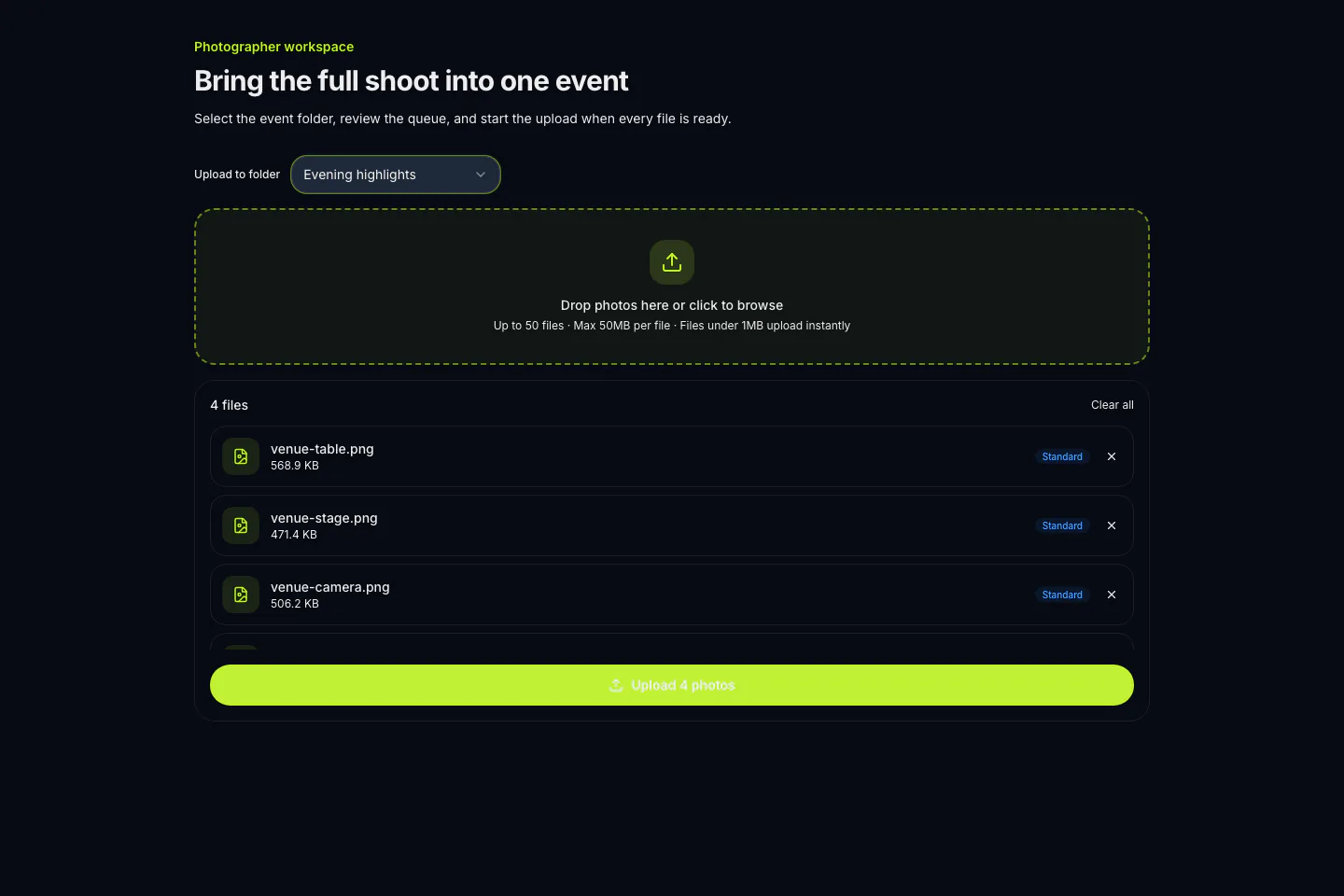
Share the photographer path, organize uploads into folders, and monitor processing from the event dashboard.
Attendees join privately and see the event photos matched to them as processing completes.
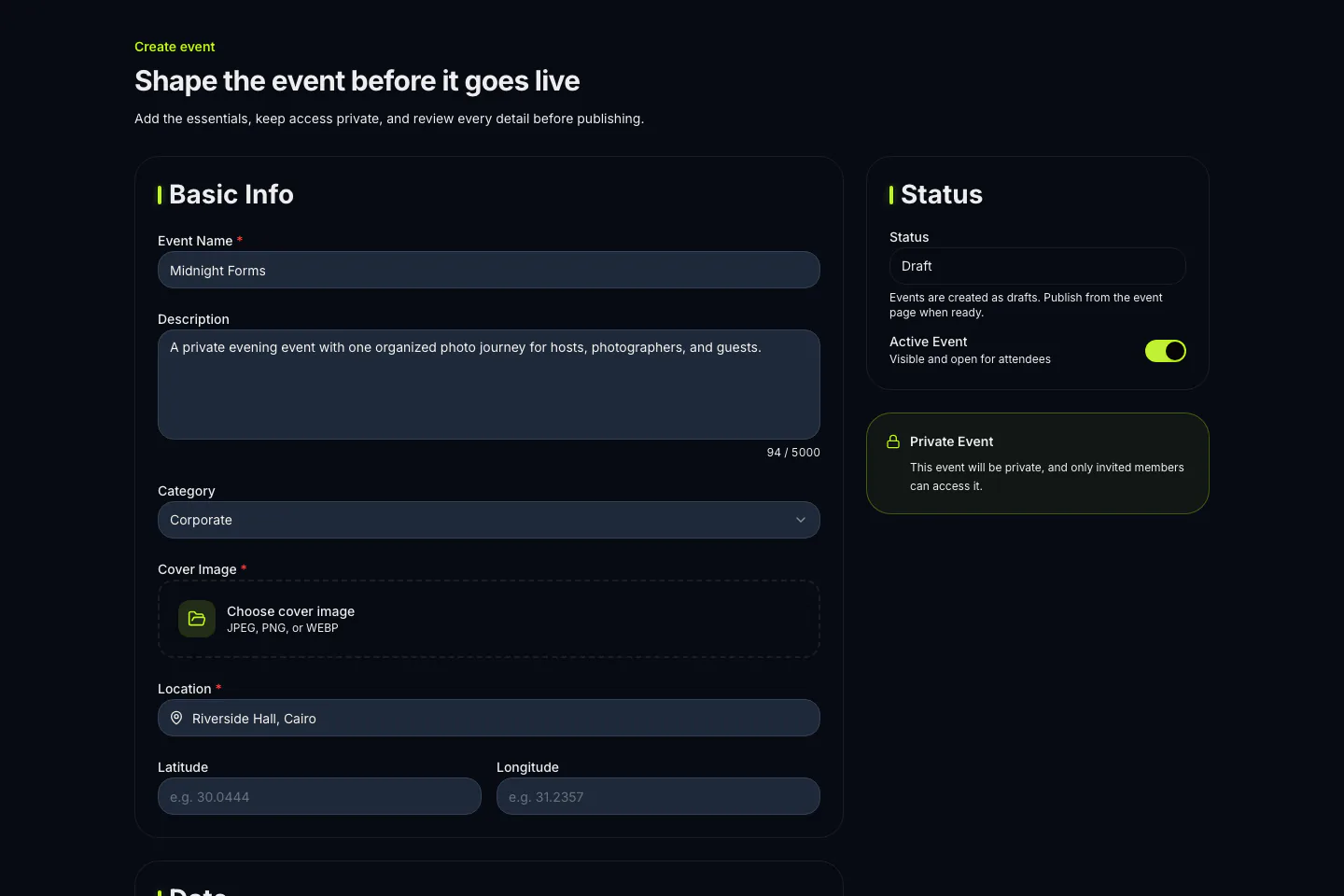
Dates, location, access, and status stay visible while the event is still a draft.
The upload queue keeps the destination folder, selected files, and next action in one view.
Prices, billing periods, and limits below come directly from the active private-event catalog.
A Taggz host starts with the event details and private access settings, then invites the people who need to participate. The host can share the attendee path for guests and the photographer path for the photo team. This gives each person a clear way into the right event without making the event discoverable as a public gallery.
Photo viewing, unlock options, and downloads are event decisions. When photo matching is used, attendees complete face enrollment as part of the journey before seeing photos matched to them as processing completes. The current package catalog remains the source of truth for the private-event plans shown on Taggz. For the details of the attendee journey, read How Taggz Works.
Create an account, prepare the event details, and review the live package catalog before checkout.
Start event setup